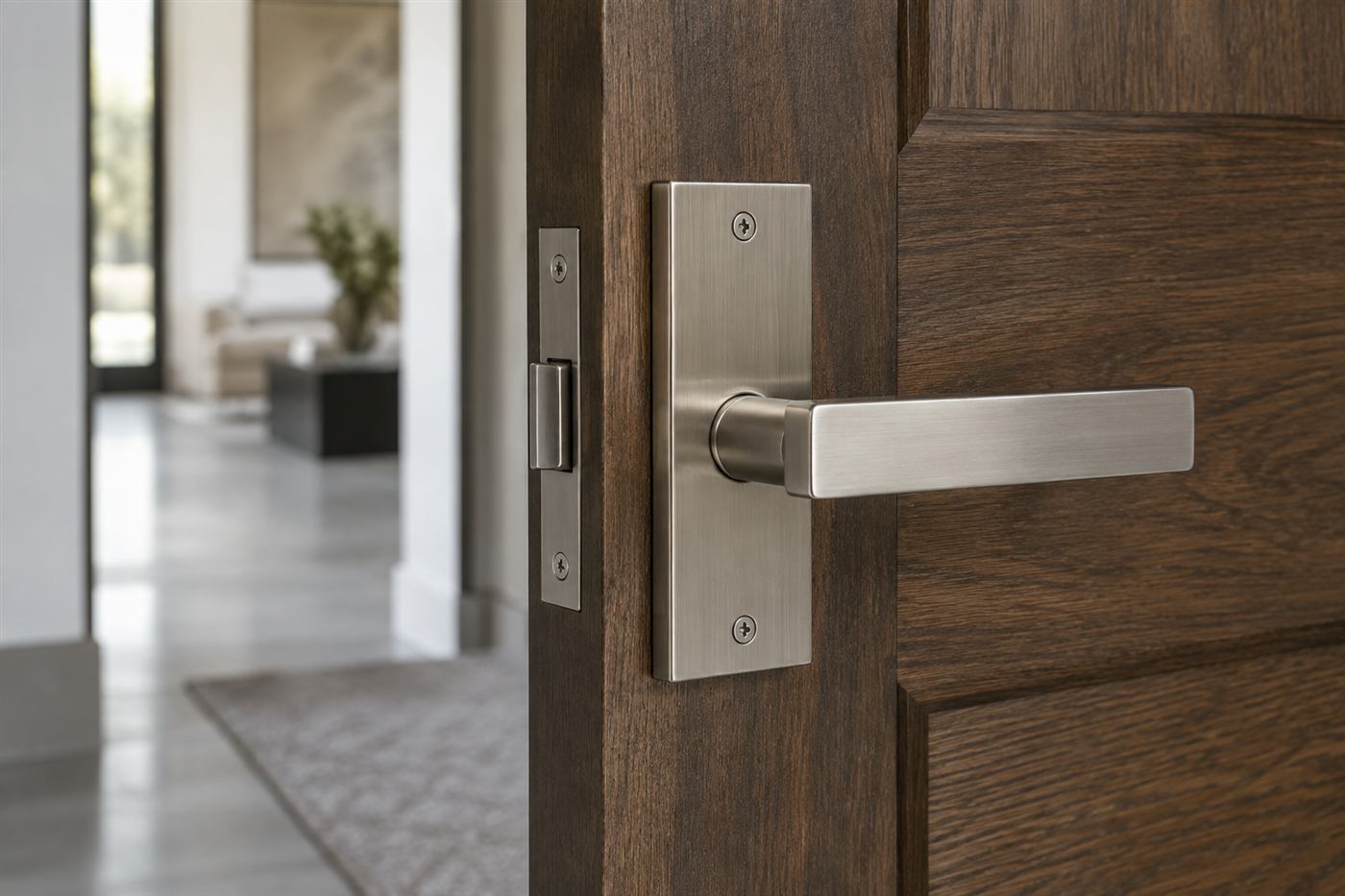
Access control replaces keys with credentials, cards, fobs, or a phone, and a system that logs who came through which door and when. It only works if the door hardware underneath it is right, so we treat the mechanical side as part of the same job.
Makes sense for offices, multi-tenant buildings, and any property where you need to add or remove someone's access without rekeying the whole building.
Serving Boca Raton and south Palm Beach and north Broward County. Quotes are given by phone before dispatch. Call (954) 906-9567.
What the job actually involves
Assess the doors
Which openings need control, and what the existing hardware can support.
Choose credentials
Card, fob or mobile, matched to how the property actually operates.
Install and integrate
Readers, strikes and controllers fitted and wired to work together.
Test access levels
Every credential checked against the doors it should and shouldn't open.
What an access control system is made of
Every access control system, from a single office door to a full building, has the same basic parts. There is a credential, which is what the person carries or knows: a card, a key fob, a phone app or a PIN. There is a reader at the door that reads the credential. There is a controller, which decides whether that credential is allowed through that door at that time. And there is the locking hardware itself, an electric strike, a magnetic lock or an electrified lockset, that actually releases the door when the controller says yes.
On top of that sits the management software, where an administrator adds and removes people, sets schedules and reviews the log of who went where. Some systems run on a computer in the building. Others are cloud based and managed from a browser or phone. Each approach has trade offs in cost, convenience and what happens when the internet connection drops, and we walk through those before recommending one.
What people tend to underestimate is the door. A card reader mounted on a door that does not close properly, or a strike installed in a frame that flexes, will produce a system that fails at random and frustrates everyone who uses it. Getting the mechanical side right is at least half of a reliable installation, which is why we treat door hardware and access control as one job.
What credentials do that keys cannot
The strongest argument for access control is how it handles change. When an employee leaves, a lost key means rekeying one or more doors and issuing new keys to everyone who still needs them. A lost card or fob simply gets deleted from the system, and it stops working immediately. For a business with frequent turnover, that alone can justify the system over time.
The second is the record. A key leaves no trace. A credential creates a log entry every time it is used, showing which door, which credential and what time. If something goes missing from a stock room, or a door was left open overnight, the log shows who was last through. Many owners find that simply having the log changes behavior, because staff know entries are recorded.
The third is scheduling. Doors can unlock automatically at opening time and lock again at closing, so nobody has to remember. Credentials can be limited to certain hours, so a cleaning crew's fobs work only in the evening, and a part time employee's card works only on their scheduled days. Holiday schedules can keep the building locked on days it would normally open. Keys cannot do any of this.
Cards, fobs, phones and PINs
Proximity cards and fobs are the most common credentials. They are durable, inexpensive to replace and easy to use. Older proximity technology is known to be easy to copy with inexpensive equipment, so for new installations we generally recommend newer encrypted smart card formats that are much harder to clone. If you already have an older system, it is worth knowing which technology your cards use.
Mobile credentials let people use their phone as a key, usually through an app and Bluetooth or NFC. They are convenient, they cannot be lent without lending the phone, and they can be issued and revoked remotely without handing anything over in person. The trade off is that phones run out of battery and people change phones, so a fallback option such as a card or a PIN is useful, especially for staff who open the building first thing in the morning.
Keypads with PIN codes are simple and need no physical credential, but codes get shared, written down and passed along. On their own, PINs are best for low sensitivity doors or as a second factor combined with a card. For higher security doors, requiring both a card and a PIN means a lost card alone is not enough to get in.
Strikes, maglocks and electrified locks
An electric strike replaces the standard strike plate in the frame. When it receives the signal, the keeper releases so the latch can pass without being retracted. It works with the existing lockset in many cases, which makes it a common choice for retrofits. Strikes can be set so the door stays locked if power fails or unlocks if power fails, and choosing the right mode for each door matters for both security and safety.
Magnetic locks hold the door with a powerful electromagnet mounted on the frame and a steel plate on the door. They are simple and strong, but they release when power is cut, so they must be paired with the right egress devices and connections to the fire alarm to meet local code requirements. We only install maglocks where they are appropriate and where the required release devices can be fitted properly.
Electrified locksets and exit devices put the electric control inside the lock itself. They are often the cleanest option for glass storefronts, fire rated doors and doors where a strike cannot be fitted to the frame. They cost more, and the door may need to be drilled for wiring, but they tend to give the most reliable result on heavy traffic doors.
Getting out is as important as getting in
Any door that controls entry must still let people leave quickly in an emergency. Building and fire codes set rules about how exit doors can be locked, what kind of release is allowed on the inside, and how locking systems interact with fire alarms. We do not interpret those rules for your building, and on larger projects the local building department or fire marshal may need to review plans. What we will do is design so that people inside can always get out with a single, obvious motion.
In practice that means using hardware such as a lever or push bar that mechanically releases the door from the inside, or where a maglock is used, the correct request to exit sensors and release buttons. It also means thinking about what happens in a power outage. After a hurricane, a building may be without power for days. Doors that fail secure will stay locked from outside, which is often what you want, but you need a reliable mechanical way in for authorized people.
Planning for outages in south Florida
Power interruptions are part of life here, from summer thunderstorms to hurricanes. A well designed system includes battery backup at the controller and power supplies, sized to keep doors operating for a reasonable period. Cloud based systems also need to be considered: if the internet connection drops, the local controller should keep making decisions using the last list of authorized credentials it received, rather than locking everyone out.
Every access controlled door should also have a mechanical override, usually a key cylinder, that authorized people can use if the system is down. That cylinder should be on a key that only management holds, ideally a restricted or master keyed cylinder rather than a factory default key. Before hurricane season, it is worth testing the battery backup and confirming that the people who need override keys know where they are.
Salt air and humidity also affect outdoor readers and exterior wiring. Readers mounted on a pool gate or a garage entry near the coast should be rated for outdoor use and installed with proper sealing. Exposed connections corrode quickly in this climate, and a reader that works in winter can start failing in the wet season if moisture gets in.
Where access control fits in this area
Small offices and medical suites are the most common installations. A practice in a professional plaza along Federal Highway or Military Trail might put a reader on the main entry and one on a records room, leaving other interior doors on keys. A small tech or design firm might want every staff member on a mobile credential, with the front door unlocked during business hours and locked the rest of the time.
Condominiums and HOA communities use access control on lobby doors, pool gates, fitness rooms and parking garages. Residents get fobs tied to their unit, and when a unit is sold or a lease ends, management deactivates those credentials instead of chasing physical keys. Many of the gated communities in Boca Raton, Parkland and Wellington use a combination of gate entry systems and access controlled amenity buildings, and the credential side of those systems often benefits from being managed in one place.
Retail shops, restaurants and warehouses use access control mainly on back doors, stock rooms and offices. The front of house may stay on conventional hardware for simplicity, while the doors that lead to cash, inventory and the loading area get controlled and logged. For a restaurant with late night closing shifts, knowing exactly when the back door was last opened can resolve a lot of questions.
You do not have to do every door at once
Access control can grow in stages. Many businesses start with a single controlled entry and a handful of credentials, then add doors as needs become clear. Choosing a platform that can expand means the first door is not wasted when you later add a second or tenth. It also spreads the cost over time instead of requiring one large upfront project.
Stand alone electronic locks are another option for very small needs. These are battery powered locks with a built in reader or keypad, managed through an app, with no separate controller or wiring. They suit a single office door or a small rental unit. They have limits on how many users they handle and how they report activity, and batteries need regular replacement, but for the right door they can be a sensible first step.
Keeping it useful after installation
An access control system is only as good as its administration. Credentials for departed staff need to be removed on their last day, not weeks later. Schedules need to be updated for holidays and changes in hours. The log needs to be reviewed occasionally, not only after something goes wrong. We recommend naming one person as the system administrator and a backup, and giving them a simple checklist for onboarding and offboarding.
Label credentials in the system with names or roles, not just numbers. When you look at the log, an entry reading card 1047 tells you nothing, while an entry with a name tells you everything. Keep a record of which physical card or fob is issued to whom, and collect them back when people leave. A deactivated card lying in a drawer is harmless, but it is still good practice to know where every credential is.
Plan for firmware and software updates. Cloud platforms usually update automatically, while on site systems may need scheduled maintenance. Readers, controllers and door hardware should be checked periodically for loose connections, misaligned strikes and worn hinges, because a door that no longer closes fully can leave the building unsecured even when the log says it is locked.
Letting in people who do not carry a credential
Not everyone who needs to get through a door will have a card. Patients arriving for appointments, couriers dropping off packages, contractors doing a one day job and guests visiting a condo resident all need a way in. The usual answer is an entry station at the main door with a call button, sometimes with video, that rings a front desk, a manager's phone or the resident's unit. The person inside checks who is there and releases the door remotely.
Temporary credentials are another tool. Many systems let an administrator issue a code or mobile pass that works only for a specific day or time window, which suits a contractor or a cleaning service. When the window closes, the credential stops working without anyone having to remember to collect it. For package deliveries in residential buildings, a controlled package room with its own door and log keeps parcels off the lobby floor and gives residents a record of when their delivery arrived.
Whatever the method, decide in advance who is allowed to let visitors in and what they should check first. Tailgating, where an unknown person follows a resident through a door, defeats even the best credential system. A short, clear rule that residents and staff do not hold the door for strangers does more than any reader upgrade.
Connecting the log to what actually happened
An access log tells you that a credential was used. It does not tell you who was holding it. Pairing controlled doors with cameras that record the entry closes that gap. Many platforms can link a door event to the video clip from the same moment, so reviewing an incident takes minutes instead of hours of scrolling through footage.
Integration can also cover alarms. A door held open too long, or forced open without a valid credential, can trigger an alert to a manager's phone. For a stock room or a server closet, that alert is often more useful than the log itself, because it arrives while something is happening rather than after. We can advise on which events are worth alerting on so the notifications stay meaningful and do not become noise that everyone learns to ignore.
Controlling vehicle and pedestrian gates
Pedestrian gates around pools and courtyards, and vehicle gates at parking garages and community entrances, can be tied into the same credential system as the building doors. One fob then opens the garage, the lobby and the gym, and management removes it in one place when a resident moves out. That is far simpler than tracking separate gate remotes, pool keys and door keys for every unit.
Gates bring their own challenges. They are outdoors, exposed to sun, rain and salt, and they move, so wiring and readers must be mounted where they are protected and within easy reach from a car window or a walkway. Pool gates also have a safety role, since they must close and latch on their own, and any electric hardware added to them should not interfere with that. We look at the gate hardware and its closer before adding control to it, so the safety function keeps working exactly as it should.
How to prepare for a site assessment
Start with a list of the doors you want controlled and what each one protects. Note how many people use each door, whether they come and go at set times, and whether any doors must stay unlocked during business hours. If you already have a system you want to replace or extend, note the brand and the type of cards in use, since that affects what is compatible.
If you lease the space, talk to the landlord or building management before planning any work, because many buildings have rules about wiring, door modifications and approved vendors. For condos and HOAs, the board or management company must authorize any work on common area doors. Have that approval in hand, and have ID and proof of authority for the person meeting us, so the assessment can go straight to the doors and the details that matter.
Need access control done right?
See all services · See areas served
Describe the situation by phone and we will tell you what the job involves. Quotes are given by phone. Jobs that cannot be quoted without seeing them need a technician on site, and the service call charge is explained on the phone before anyone is dispatched.
(954) 906-9567